Searching for the Zoryflix app in a store will not find it, and any download that claims to be one is not from us. Here is what to install instead, device by device.
The short answer
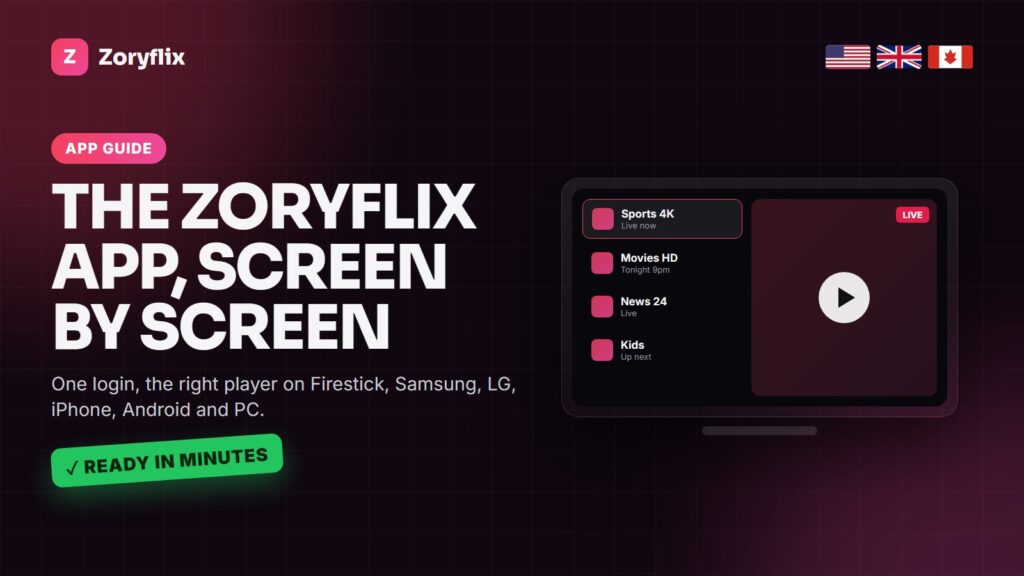
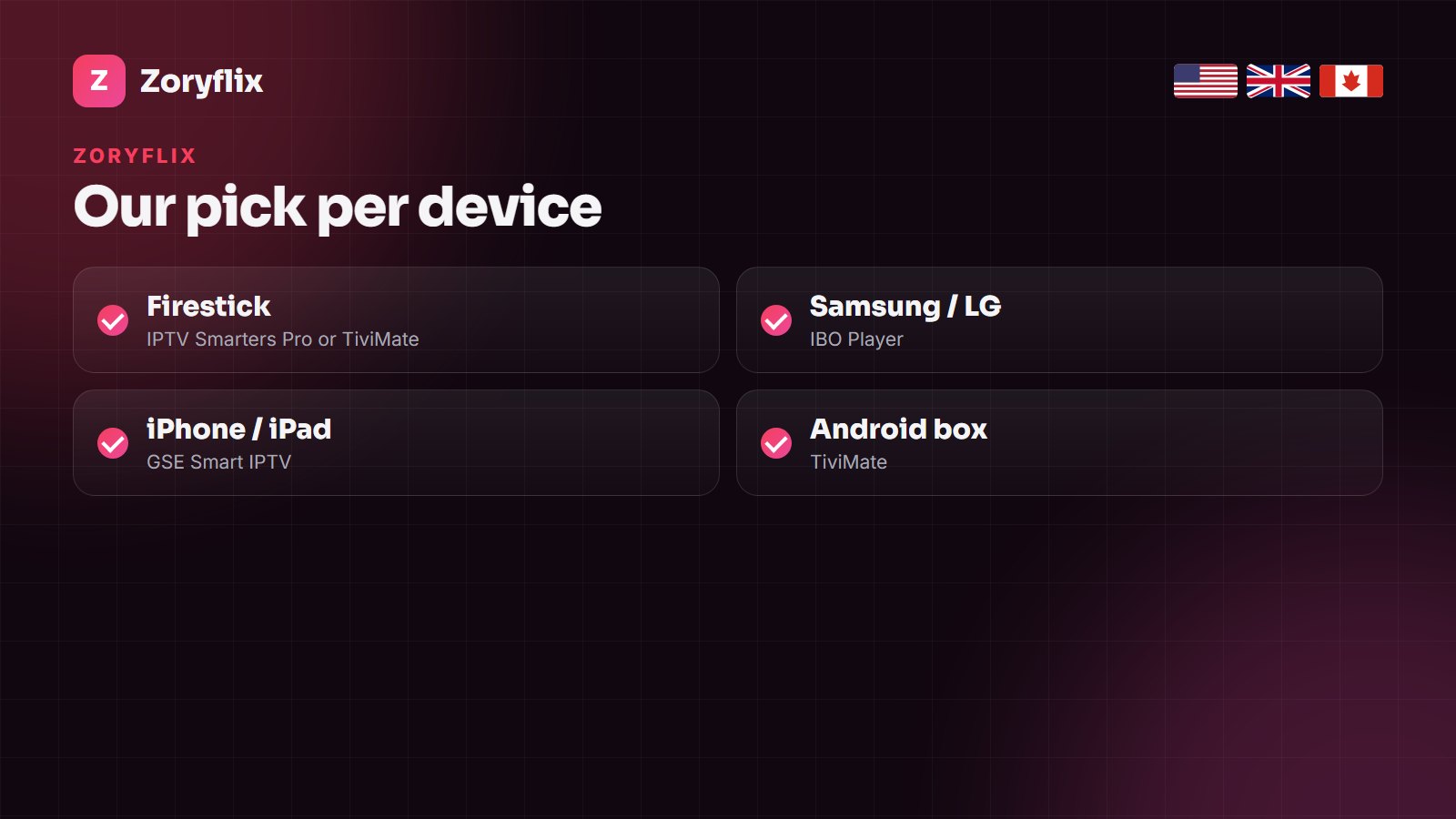
Zoryflix does not need its own app. It plays in standard IPTV players: IPTV Smarters Pro or TiviMate on Firestick and Android boxes, IBO Player on Samsung and LG, GSE Smart IPTV on iPhone and iPad. You enter the Xtream login we send on WhatsApp once, and the channel list and guide load.
Zoryflix is a subscription: 75,000+ live channels and 260,000+ films and series for the USA, the UK and Canada. Like almost every IPTV service, it is delivered as a login rather than an app, which means you are free to use the player that works best on each device in your home.
Best Zoryflix app for each device
| Device | Best app | Alternative | Notes |
|---|---|---|---|
| Fire TV Stick / Fire TV | IPTV Smarters Pro | TiviMate | Install with Downloader |
| Android TV box / Google TV | TiviMate | IPTV Smarters Pro | Best TV guide |
| Samsung Smart TV | IBO Player | Smart IPTV | From the Samsung store |
| LG Smart TV | IBO Player | Smart IPTV | From the LG Content Store |
| iPhone / iPad | GSE Smart IPTV | iPlayTV | Xtream playlist |
| Apple TV | iPlayTV | GSE Smart IPTV | Remote-friendly layout |
| Roku | No native player | Use a Firestick or screen mirroring | See our Roku guide |
| Windows / Mac | VLC or Smarters desktop | Kodi | Quick checks |
| MAG / Enigma2 | Built-in portal | – | Portal URL instead of an app |
What you enter in the app
When you order or take the free trial, we send an Xtream Codes login: a server URL, a username and a password. In the player, choose Xtream Codes API, paste the three details and wait a minute for the channels, films, series and guide to load. If your player only takes M3U, ask us for the M3U link instead.
Devices with a remote keyboard are slow to type on. Smart TV players such as IBO Player avoid this: they show a MAC address, you send us a photo of it on WhatsApp, and we add your line for you.
Device guides
- Firestick: install IPTV on Firestick and IPTV Smarters Pro setup.
- Samsung and LG: Samsung, LG and Hisense.
- Android boxes: IPTV on Android TV box.
- Roku: IPTV on Roku explains the workarounds.
- MAG and Enigma2: Zoryflix on MAG and Enigma2.
Do the apps cost anything?
IPTV Smarters Pro and VLC are free. TiviMate Premium, IBO Player and several Smart TV players charge a small fee to their developer after a trial period. That fee is between you and the app maker; your Zoryflix plan does not change with the app you choose. For a wider comparison of players, see the best IPTV app.
Several devices, one plan
Install your login on every device you own. The plan decides how many can play at the same moment: one screen on the 1, 3 and 6-month plans, two on the yearly plan and five on Lifetime. The Zoryflix price guide lays out each plan.
Frequently asked questions
Is there a Zoryflix app on the Play Store or App Store?
No. Zoryflix plays in standard IPTV players such as IPTV Smarters Pro, TiviMate, IBO Player and GSE Smart IPTV. Avoid downloads that claim to be a Zoryflix app.
Which Zoryflix app is best on Firestick?
IPTV Smarters Pro for a free, simple start; TiviMate for the best TV guide and fastest channel switching.
Which app should I use on a Samsung TV?
IBO Player from the Samsung store. Send us a photo of its MAC address screen and we add your line remotely.
Can I use one Zoryflix login in several apps?
Yes, on every device you own. Your plan sets how many screens play at the same time.
Does Zoryflix work on Roku?
Roku has no proper IPTV player. A Firestick or Android stick plugged into the same TV is the reliable option.
Get your Zoryflix login
Install the app for your device, then ask for the 24-hour free trial on WhatsApp.