Last updated: October 2026 · Written by the Zoryflix team · for viewers in the USA, the UK and Canada.
The short answer
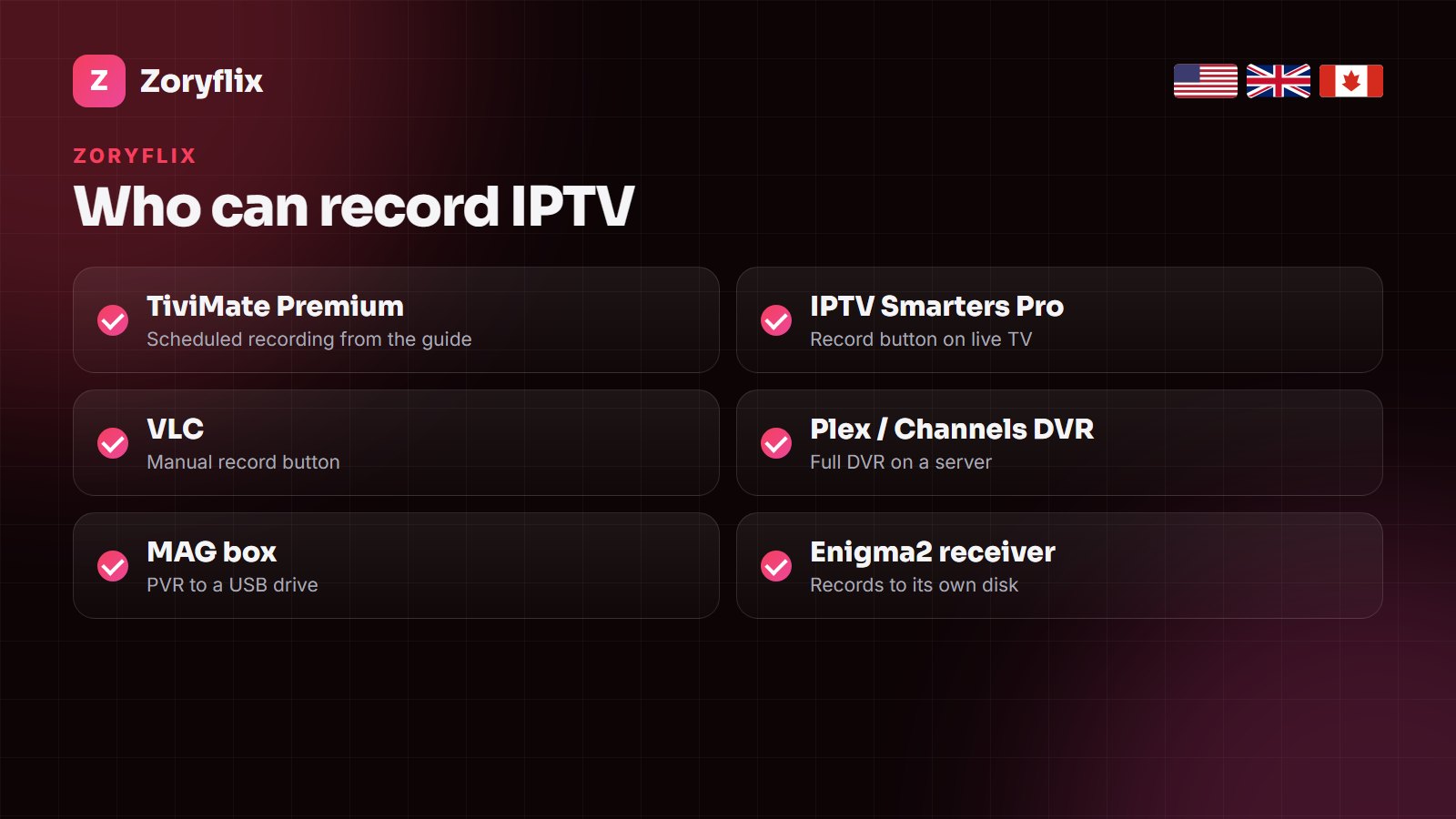
Yes, you can record IPTV — the recording is done by your player app or box, not by the service. TiviMate Premium is the easiest on a Fire TV Stick or Android TV: pick a programme in the guide and choose Record, or schedule a whole series. IPTV Smarters Pro, VLC, Plex DVR, MAG boxes with a USB drive and Enigma2 receivers can record too. Each recording uses one of your plan’s connections while it runs, and a Full HD hour takes about 3–5 GB, so add a USB drive on a Firestick. For shows from the past few days, catch-up is often simpler than recording.
Recording was the one thing that kept many households on cable: set it on Sunday, watch it on Wednesday. IPTV can do the same, but the feature lives in the app you watch with rather than in the subscription, and the apps differ a lot. Here is which players record, how to set each one up, where the files go, and the two limits — connections and storage — that catch people out.
How recording IPTV works
An IPTV channel is a stream from a server. Watching it means your player plays the stream; recording it means your player saves that same stream to storage while it arrives. So the questions are simple: does your player have a record function, and does your device have somewhere to put the file?
Two consequences follow. First, a recording counts as a viewer: if your plan allows one screen and you record one channel, nobody can watch a different channel at the same time. Second, the device that records must be switched on (or at least awake) for the whole recording.
Recording in TiviMate (Firestick, Android TV)
TiviMate is the closest thing to a cable DVR. Recording is part of TiviMate Premium, a small yearly fee paid to the app developer.
- Open the TV guide, move to the programme you want and press OK.
- Choose Record for one programme, or Record series to catch every episode on that channel.
- To record what is on now, open the channel’s menu and choose Start recording.
- Find your recordings under Recordings in the side menu; scheduled ones appear there too.
In TiviMate’s settings you can choose the storage folder — internal memory or a USB drive — and add a few minutes before and after each programme in case the broadcast runs late.
Recording in IPTV Smarters Pro
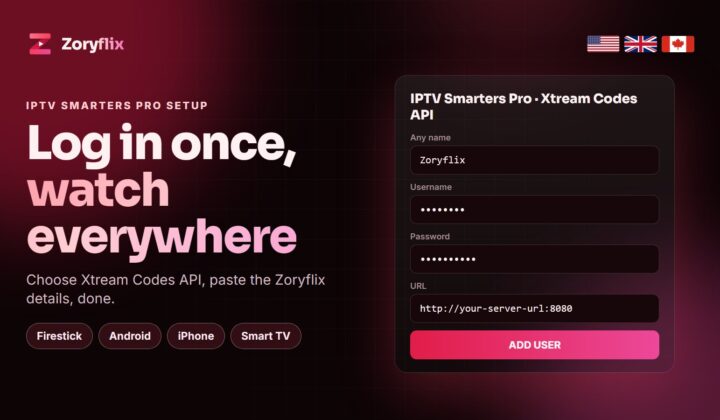
IPTV Smarters Pro on Android and Fire TV shows a record option in the live-TV player, and recent versions keep the files in a Recordings section. It records what you are watching rather than scheduling from the guide, so it suits catching a match you are already on, not planning a week ahead. Our IPTV Smarters Pro setup guide covers the login first.
Recording with VLC on a computer
On Windows or Mac, VLC can record any stream it plays. Open your M3U link with Open Network Stream, enable View → Advanced Controls, and press the red record button; press it again to stop. The file goes to your Videos folder. It is manual and has no schedule, but it costs nothing and works with any IPTV line.
Plex DVR and Channels DVR: recording on a home server
If you have a computer or NAS that stays on, a server DVR is the most powerful option. Plex (with Plex Pass and a tuner bridge such as Threadfin) and Channels DVR both read an IPTV M3U playlist and guide, schedule recordings from the guide, and put the shows into a library you can watch on any TV, phone or laptop — even while the TV that set them up is off. Setup takes longer, but it is the real replacement for a cable DVR.
Recording on MAG boxes and Enigma2 receivers
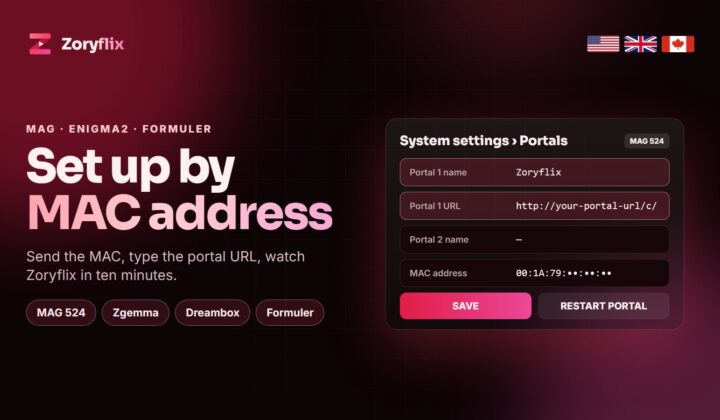
- MAG boxes (MAG 524, 544 and similar) can record to a USB drive on portals that allow it: plug in the drive, open the guide, and use the record option on a programme. Some portals switch the feature off.
- Enigma2 receivers (Dreambox, Vu+, Zgemma) record to an internal hard drive or USB stick just like satellite, using the receiver’s own timer list.
- Formuler boxes with the MYTVOnline app also support recording to USB.
If you use one of these boxes, our MAG and Enigma2 setup guide shows how to add the Zoryflix portal first.
Setting up a USB drive for recordings on a Fire TV Stick
- Buy an OTG adapter that matches your stick (micro-USB on older models, USB-C on the newest) with a power input, and a USB flash drive or powered hard drive.
- Plug the stick’s power into the adapter and the drive into the adapter’s USB socket.
- When Fire TV asks, format the drive as internal storage for apps, or leave it as external storage for recordings only; for recordings, external is the safer choice.
- In TiviMate, open Settings → Recording and choose the USB drive as the folder.
- Make a two-minute test recording and play it back before you schedule anything important.
How much space recordings take
| Quality | Per hour | A 2-hour film | A season of 10 hour-long episodes |
|---|---|---|---|
| SD | about 1 GB | about 2 GB | about 10 GB |
| HD (720p) | 2–3 GB | 4–6 GB | 20–30 GB |
| Full HD (1080p) | 3–5 GB | 6–10 GB | 30–50 GB |
| 4K | 7–12 GB | 14–24 GB | 70–120 GB |
A Fire TV Stick has only 8–16 GB, most of it already used by the system and apps, so recording to internal storage fills it within a few hours. Use a USB drive instead: on a Fire TV Stick that means an OTG adapter that splits the micro-USB or USB-C port into power plus a USB socket. A 64–128 GB flash drive is plenty for weekly recordings; a powered hard drive suits a whole season.
Watching your recordings on other screens
Where a recording lives decides where you can watch it. Recordings made in TiviMate or IPTV Smarters stay on the stick or box that made them, so a show recorded in the living room is only in the living room. A USB drive can be moved to another stick, but the simple way to share recordings is a server DVR: Plex or Channels DVR keep everything on one computer or NAS and stream it to every TV, phone and laptop in the house, and outside it with remote access. If more than one person in your home records, that is worth the extra setup.
Recording and your plan’s connections
This is the limit people forget. Each recording is a stream, so:
- On a plan with one screen, you can record the channel you are watching, but not record one channel and watch another.
- On a plan with two screens (the Zoryflix 1 Year plan), you can record one channel and watch a second, or record two at once.
- The Lifetime plan allows five screens at once, which covers a household that records and watches at the same time.
If a recording fails with an error about connections, another device in the house was already playing. Plans and screens per plan are on the pricing page.
Catch-up: the recording you do not have to set
Many big channels on an IPTV line carry catch-up (also called archive or TV replay): the server keeps the last few days of programmes, and you go back in the TV guide and press play. No storage, no planning, no connection used while you are not watching. In TiviMate and Smarters, channels with catch-up show a small clock or archive icon. For the news, a missed episode or last night’s match, catch-up is usually the easier answer; recording is for keeping something longer or for channels without an archive.
Good to know: catch-up length differs by channel, from one day to about a week. If you want to keep a programme, record it.
Which recording setup suits your home?
| Your situation | Best option | Why |
|---|---|---|
| One TV with a Fire TV Stick | TiviMate Premium + USB drive | Guide-based scheduling at low cost |
| You record mostly sport you are watching | IPTV Smarters Pro | One button on the live player |
| Several TVs, want a shared library | Plex DVR or Channels DVR | Records on a server, plays everywhere |
| You already own a MAG or Enigma2 box | The box’s own recorder | Works like a satellite receiver |
| You just missed last night’s show | Catch-up | No setup, no storage |
Recording problems and fixes
- The record option is missing: your player does not support it (or needs its paid version, as TiviMate does). Switch players for recording.
- Recording stops after a few minutes: storage is full, or the stick went to sleep. Set the display to never sleep while recording and use a USB drive.
- The file will not play: it was cut off; play it in VLC, which handles partial files best.
- Scheduled recording did not start: the guide times were off. Check the time zone in the player and add a few minutes of padding.
- “Max connections” error: another screen was playing. Stop it, or use a plan with more screens.
Recording with a Zoryflix line
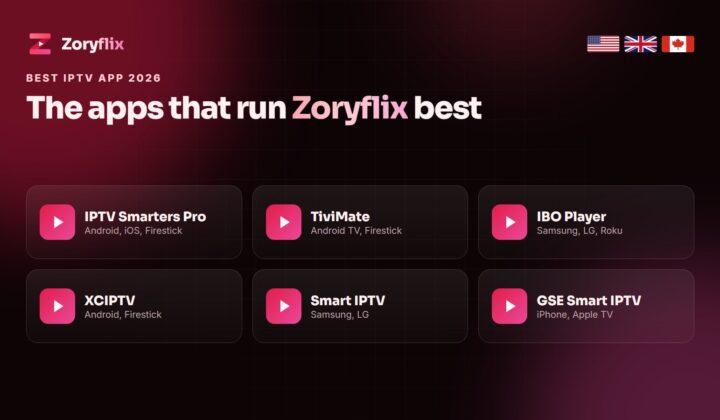
Zoryflix works with every player and box in this guide: TiviMate, IPTV Smarters Pro, VLC, Plex, Channels DVR, MAG and Enigma2. The line carries 75,000+ live channels and 260,000+ movies and series, with catch-up on the channels that offer it. Take the free 24-hour trial, set up recording on your own device, and check it before you choose a plan; if you are still picking a player, start with our best IPTV app guide.
Other IPTV services to compare
These services also work with recording players such as TiviMate and Plex:
- DodoIPTV — 90,000+ live channels and 270,000+ movies and series, plans from $15 and a one-time $150 lifetime plan.
- DrogonTV — 80,000+ channels with PPV for the UK, USA and Canada, paid once with no auto-renewal.
- VizWriting IPTV — 80,000+ live channels and 250,000+ movies and series for the USA, UK and Canada, with a free trial.
- KiloTV — 75,000+ live channels and 260,000+ movies in 4K, live in about 15 minutes.
- Euroskara IPTV — 80,000+ channels for the UK, USA and Canada with the European line-up included.
Frequently asked questions
Can you record IPTV?
Yes. The recording is done by your player or box: TiviMate Premium, IPTV Smarters Pro, VLC, Plex DVR, Channels DVR, MAG boxes with a USB drive and Enigma2 receivers can all record IPTV channels.
Can you record IPTV on a Firestick?
Yes, with TiviMate Premium or IPTV Smarters Pro. Add a USB drive through an OTG adapter, because the stick’s own storage fills up after a few hours.
Does recording IPTV use a connection?
Yes. Each recording is a stream, so on a one-screen plan you cannot record one channel and watch another at the same time.
How much storage does an IPTV recording need?
About 2–3 GB an hour in HD, 3–5 GB in Full HD and 7–12 GB in 4K.
What is the difference between catch-up and recording?
Catch-up replays the last few days of a channel from the server with no storage needed. Recording saves the programme on your device so you can keep it.
Can I schedule IPTV recordings from the TV guide?
Yes in TiviMate Premium, Plex DVR, Channels DVR and on most MAG and Enigma2 boxes. IPTV Smarters and VLC record only what is playing.
Record your shows with Zoryflix
75,000+ live channels, catch-up on the main channels and every player supported. Test it free for 24 hours; plans from $15, Lifetime $150 once for five screens. See the plans.