A practical checklist for Zoryflix on Firestick, Android, Samsung, LG, iPhone and MAG boxes, written from the questions our support team answers every day.
The short answer
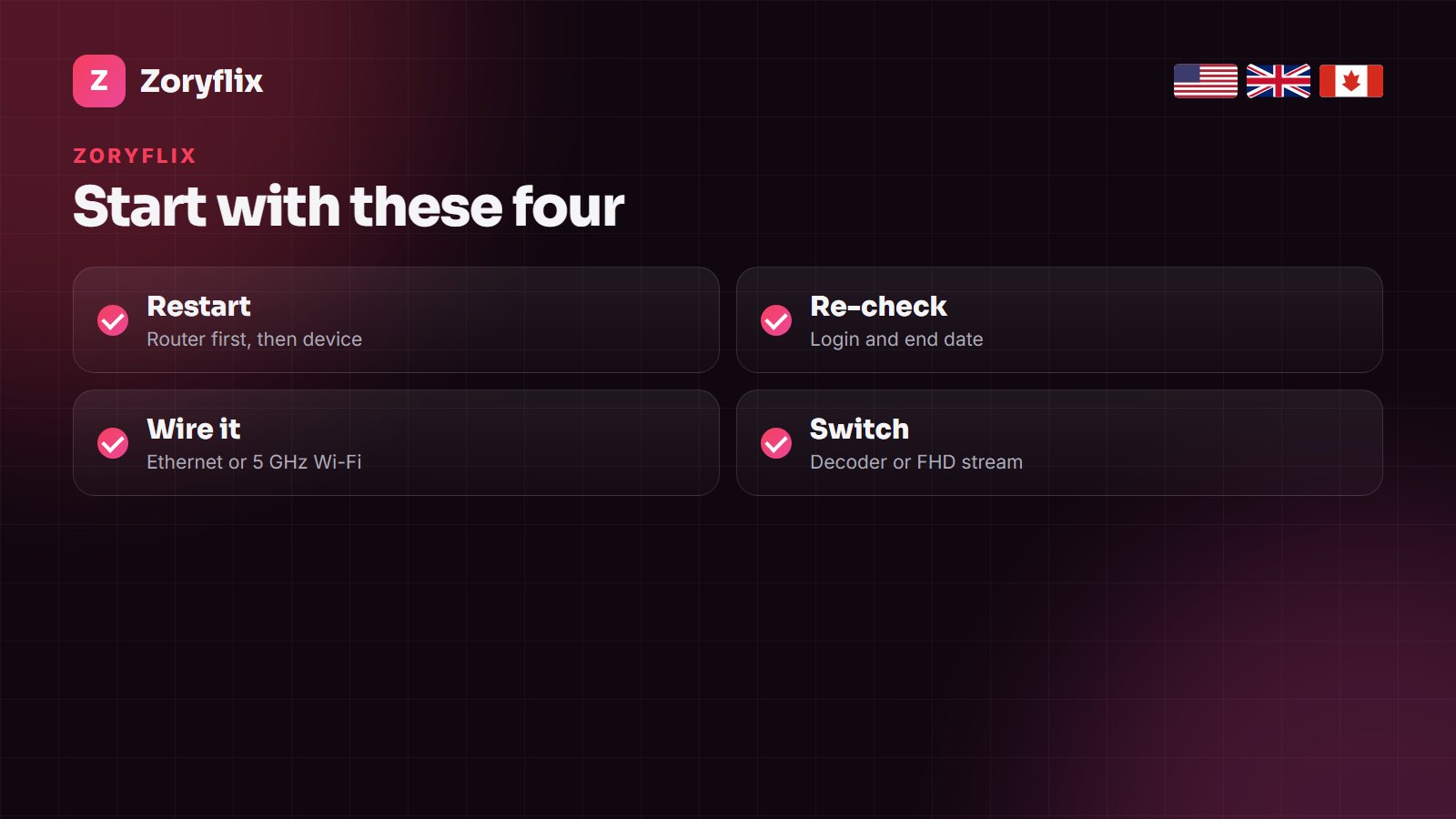
If Zoryflix is not working, check the simple things in order: restart the router and the device, re-type the Xtream login exactly (port number included), confirm your plan or trial has not ended, and move the TV or stick to a wired or 5 GHz connection. If one channel fails, try its FHD or HD version. Still stuck, send support a photo of the screen on WhatsApp.
First, narrow it down. Nothing loads at all: login, end date or connection. One channel fails: that source is down for a moment and its other versions usually work. It plays but freezes at night: your home network is struggling at peak time.
Quick diagnosis
| What you see | Likely cause | Fix |
|---|---|---|
| Invalid login / authorization failed | Typo, missing port or expired line | Re-type the login; check the end date |
| Spinning wheel, nothing loads | Router or app | Restart both; update the app |
| Freezing in the evening | Wi-Fi or speed | Ethernet or 5 GHz; FHD stream |
| Sound, no picture | Decoder | Switch hardware/software decoder |
| Empty or wrong guide | EPG still loading, time zone | Refresh EPG; set the time zone |
| A screen stops when another starts | Plan screen limit | Longer plan or extra connection |
Fixes in order
Restart properly
Unplug the router for 30 seconds and power the TV or stick off at the wall, not standby. Router first, then the device.
Check the login and the date
The server URL must include its port number; username and password are case-sensitive. A trial ends after 24 hours and a plan on its end date, since nothing renews automatically. Our Xtream Codes guide shows where each detail goes.
Fix the connection
Wi-Fi causes most buffering. An Ethernet cable, a Firestick Ethernet adapter or the 5 GHz band near the router solves more cases than any setting. Allow about 25 Mbps per 4K screen. The full routine is in IPTV buffering on Firestick.
Change the decoder or the stream
Sound with no picture: switch between hardware and software decoding in the player. Stuttering on a busy night: pick the FHD version of the channel instead of 4K.
Update or reinstall the player
An outdated IPTV Smarters, TiviMate or IBO Player can reject a working line. Update it, or reinstall and add the login again. The right player per device is in the Zoryflix app guide.
Refresh the guide
Run an EPG update and set your time zone. Right after setup, the guide can take up to an hour to fill.
Count the screens
If one more device starts than your plan allows, one stream stops. One screen on 1, 3 and 6 months, two on the yearly plan, five on Lifetime; see Zoryflix prices.
Device notes
- Samsung, LG, Hisense: built-in TV Wi-Fi is often weak; use a cable if you can. Re-adding a line by MAC address is in the Samsung and LG guides.
- Firestick: clear the player’s cache in Settings > Applications and keep 1 GB of storage free.
- MAG and Enigma2: reboot and check the portal URL and MAC; see MAG and Enigma2 setup.
When to message support
Send a photo of the error, your device and the app you use on WhatsApp; most cases are solved in the chat. If Zoryflix still does not work properly in your home, paid plans carry a 7-day money-back guarantee under the refund policy.
Frequently asked questions
Why is Zoryflix not working on my Firestick?
Most often a login typo, an outdated player or weak Wi-Fi. Restart the stick and router, re-type the login, update the app and try a wired or 5 GHz connection.
Why does Zoryflix buffer at night?
Evening traffic overloads home Wi-Fi. Use a cable or 5 GHz, and choose the FHD version of the channel during big events.
Zoryflix says invalid login. What now?
Re-type the server URL with its port, then the username and password exactly. If your trial or plan has ended, renew; otherwise send support a photo of the screen.
Only one channel is down. Is Zoryflix down?
No. A single channel source can drop briefly; its other versions or the same channel a few minutes later usually work.
Can support fix Zoryflix remotely?
Often. For Smart TV players we can re-add your line from the app’s MAC address, and we guide you through the rest on WhatsApp.
Still stuck?
Send us a photo of the screen on WhatsApp and we will fix it with you, usually in minutes.